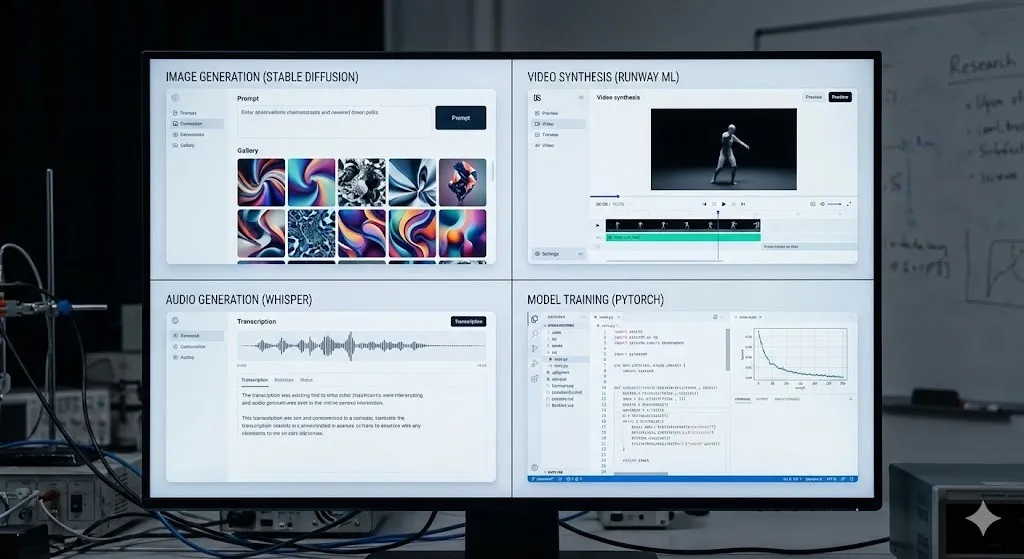
I Tested 750+ AI Tools — These 6 Are All You’ll Ever Need (Complete AI Ecosystem)
Key Takeaways
- ElevenLabs provides the most realistic AI voiceovers and cloning
- HeyGen creates professional talking avatars without cameras
- Hugging Face offers free access to thousands of open-source models
- Pinokio allows you to run privacy-first AI entirely on your local PC
- A complete AI ecosystem can be built with just these 6 tools
🧠 Why You Should Trust This List
Over the last 3 years, I have:
- Tested 750+ AI tools
- Spent $10,000+ per month on AI subscriptions
- Created 300+ AI videos
- Built multiple AI-first content channels
Today, I’m recommending only 6 AI tools.
Why only six?
Because the other 744 tools are either:
- Overhyped
- Overpriced
- Or doing the same job worse than these tools
These 6 tools together form a COMPLETE AI ECOSYSTEM:
- AI voiceovers
- Talking avatars
- Text-to-speech
- Voice cloning
- AI ads & short films
- Daily AI assistant
- AND full data privacy (local AI)
Let’s break them down level by level 👇
🟢 LEVEL 1: Best AI Voice Tool (Text to Speech + Voice Cloning)
🏆 Tool: ElevenLabs
If you want realistic human-like AI voiceovers, nothing beats ElevenLabs right now.
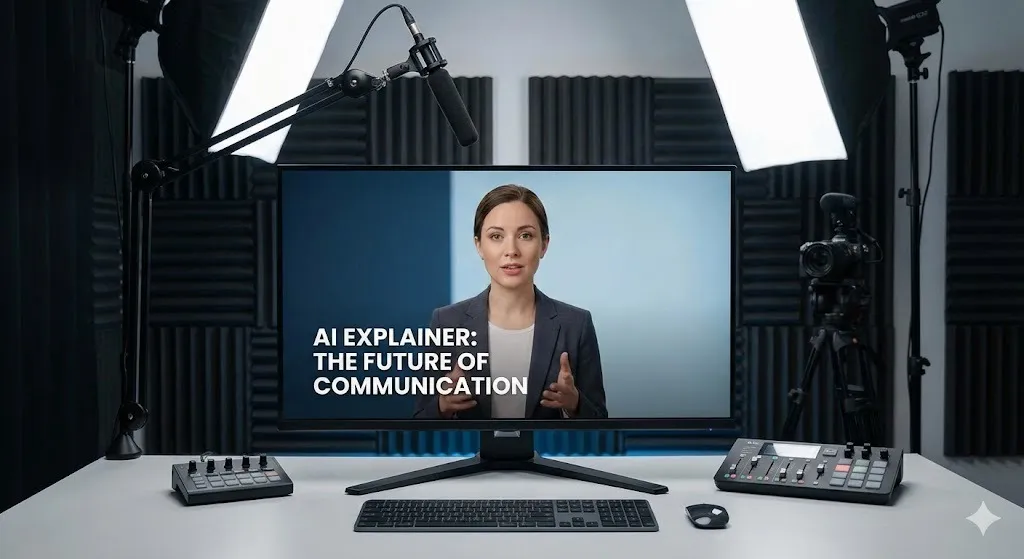
🔹 What ElevenLabs Does
- Converts text into natural human speech
- Supports 74+ languages & accents
- Offers 1000+ ready-made voices
- Allows custom voice creation
- Supports professional voice cloning
🎙️ Feature 1: Text to Speech
Just paste your script → choose a voice → generate.
Perfect for:
- YouTube videos
- Reels & Shorts
- Ads
- Explainer videos
You’ve probably heard the popular “Adam” voice everywhere — it comes from ElevenLabs.
🎨 Feature 2: Custom AI Voice (Brand Voice)
Instead of using common voices, you can design your own voice using text.
Example prompt:
“A 30-year-old male with an Indian accent, warm tone, suitable for motivational content.”
ElevenLabs gives multiple options → choose one → save it.
✅ No recording required ✅ Your competitors can’t copy it ✅ Becomes your brand identity
🧬 Feature 3: Professional Voice Cloning
Upload voice samples → AI clones your real voice.
⚠️ Important rule:
- Hindi output → upload Hindi samples
- English output → upload English samples
Why? Because AI learns pronunciation patterns per language.
Once approved:
- Unlimited voiceovers
- No recording needed
- Perfect consistency
👉 I personally used this to create an English channel with 7,000+ followers using my cloned voice.
🟢 LEVEL 2: Talking AI Avatars (Face + Voice)
🏆 Tool: HeyGen
Think of HeyGen as ElevenLabs + Video.
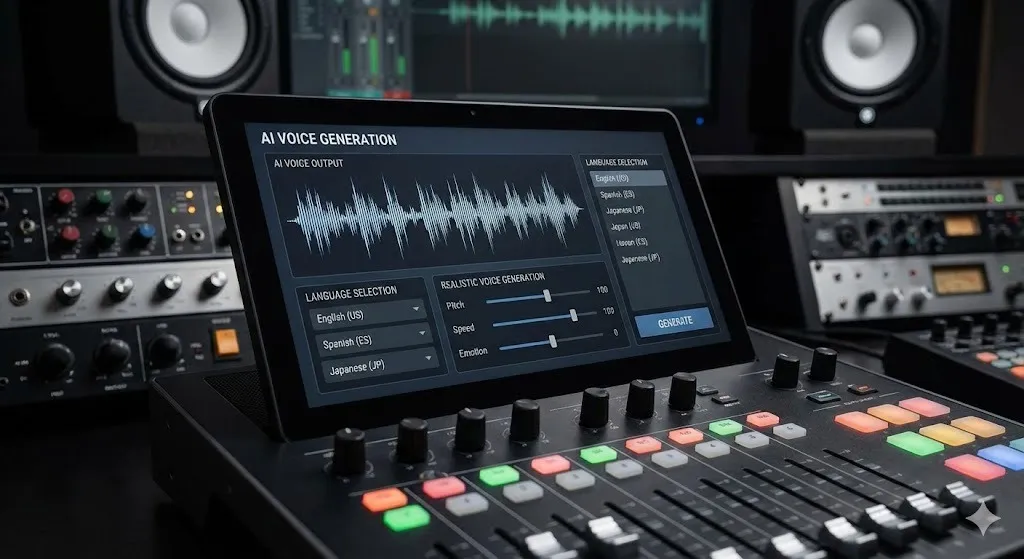
You paste a script → it generates a talking AI video.
🎭 Feature 1: Ready-Made Avatars
Don’t want to show your face?
Use built-in avatars:
- Paste script
- Select voice (even ElevenLabs voice)
- Generate video
Perfect for beginners.
🖼️ Feature 2: Image to Avatar (Custom Avatar)
Create your own avatar using AI image tools:
- Midjourney
- Gemini
- Nano Banana Pro (Check out our Free Tools Guide)
Upload the image to HeyGen → your unique avatar is ready.
✅ 100% original ✅ No one else can use it
🧍 Feature 3: Professional Avatar Cloning
Upload multiple real videos (different outfits & angles).
AI learns:
- Facial expressions
- Lip-sync
- Hand movements
Once cloned:
- Unlimited videos
- Multiple avatar looks
- No recording ever again
This is next-level AI content creation.
🟢 LEVEL 3: Test AI Models for Free (No Subscription)
🏆 Tool: Hugging Face
Hugging Face is a free playground for AI models.
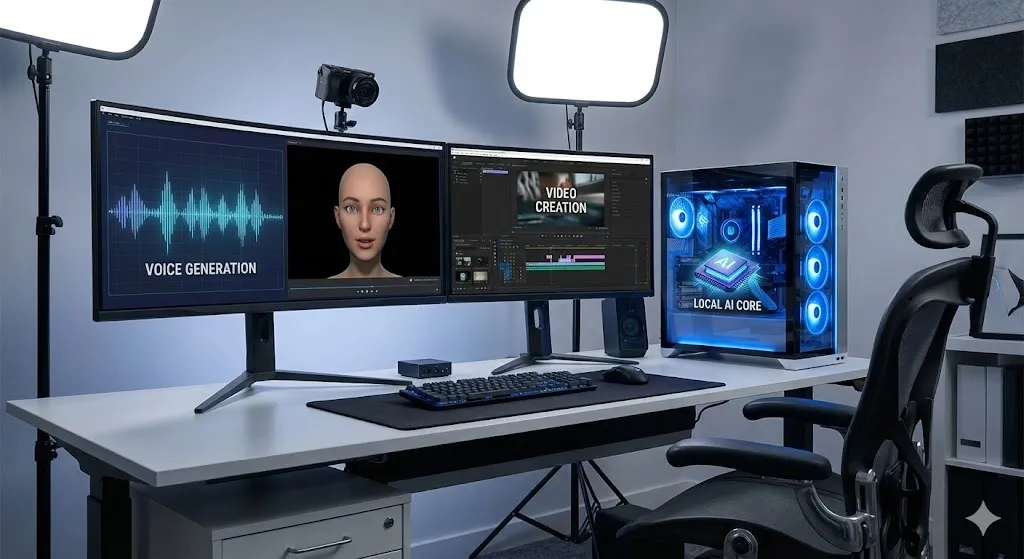
🔹 Why It’s Powerful
- 1000+ open-source models
- No subscription required
- Try instantly in browser
You can test:
- Image generation
- Video generation
- Text-to-speech
- VFX
- Diffusion models
🔍 Open Source vs Closed Source (Simple Explanation)
- Open Source (on Hugging Face): Public code, Customizable, Transparent. (Examples: LLaMA, Stable Diffusion)
- Closed Source (NOT on Hugging Face): Private, Restricted access. (Examples: ChatGPT, Gemini, Claude)
Hugging Face uses a pay-as-you-go credit system, which is perfect for testing without monthly subscriptions.
🟢 LEVEL 4: All-in-One Creative AI Suite
🏆 Tool Example: HF Field
(Alternatives: OpenArt, Freepik AI)
This is where things get serious.
Instead of buying separate tools for image, video, upscaling, VFX, and lip-sync, you get 20–25 AI tools in ONE subscription.
🔹 What You Can Do
- Text to Image (multiple private models)
- Text to Video
- Character animation
- Lip-sync
- VFX
- Upscaling
Pricing starts around $9/month.
👉 Biggest benefit:
- No API setup
- No technical skills
- One login, everything works
🟢 LEVEL 5: Best AI Assistant for Daily Life (India-Friendly)
🏆 Tool: Google Gemini Suite
Yes, ChatGPT is great — but Gemini’s ecosystem is stronger right now, especially in India.
🔹 Why Gemini Wins
- Nano Banana Pro → best image generator
- VEO 3.1 → top AI video model
- Experimental tools: NotebookLM (research), Design tools
- Student offer: 1 year free
- Jio users: 1 year free
- See how Agentic AI is changing the game.
👉 If you’re an Indian user, Gemini currently offers more value than ChatGPT.
(Full disclosure: I still use ChatGPT because of my 3-year data history.)
🟢 LEVEL 6: Ultimate Privacy + Local AI (No Cloud)
🏆 Tool: Pinokio
This is the most underrated and powerful tool on the list.

❌ Problem with Cloud AI
- Your data is uploaded
- Privacy risks
- Content restrictions
- Monthly fees
✅ Solution: Run AI Locally
Pinokio lets you run open-source AI models on your own PC.
🔐 Pinokio’s 4 Biggest Advantages
1️⃣ Complete Privacy No cloud uploads. Ideal for legal documents, medical data, client work, and sensitive content.
2️⃣ Hundreds of Local AI Models Stable Diffusion, LLaMA, Video generation models. No subscription ever.
3️⃣ No Content Restrictions No blocked prompts. Full creative control (use ethically).
4️⃣ Easy Setup One-click installer. Model launcher included. No technical knowledge needed.
🔥 Biggest win: Unlimited usage. No credits. No monthly fees.
🧠 Final Verdict: Why These 6 Tools Are Enough
With these 6 tools, you can do 99% of AI work:
- Content creation
- Ads & short films
- Productivity
- Privacy-first AI
You don’t need 50 tools. You need the right ecosystem.
Written by Simple AI Guide Team
We are a team of AI enthusiasts and engineers dedicated to simplifying artificial intelligence for everyone. Our goal is to help you leverage AI tools to boost productivity and creativity.
Personally Tested by Our Team
This article and all recommended tools were reviewed with real prompts, hands-on checks, and editorial QA before publishing.
Testing Methodology
We test each AI tool using standardized prompts across 5 categories: accuracy, speed, ease of use, value, and unique features.
Content Last Updated
Last reviewed and updated on December 17, 2025. We'll update again when new versions are released.
Discussion
Comments powered by Supabase
Continue Reading
Related Articles
Best AI Side Hustles for 2025 (Zero Investment Required)
Start earning online using FREE AI tools — no investment, no experience needed. Discover 13 proven methods to generate income.
Read moreTop 10 AI Tools to Make Money Online in 2025 (Tested)
Discover the best AI tools for ecommerce, UGC, music, and productivity in 2025. We tested 289 apps to find the ones that actually help you make money online.
Read more🔥 Stop Using ChatGPT? 5 Best Alternatives Tested (2025) — The Winner SHOCKED Me
I ran five major AI models (ChatGPT, Gemini, Claude, Grok) through 10 brutal real-world tests. Is ChatGPT still king, or has Gemini 3 Pro taken the crown?
Read more